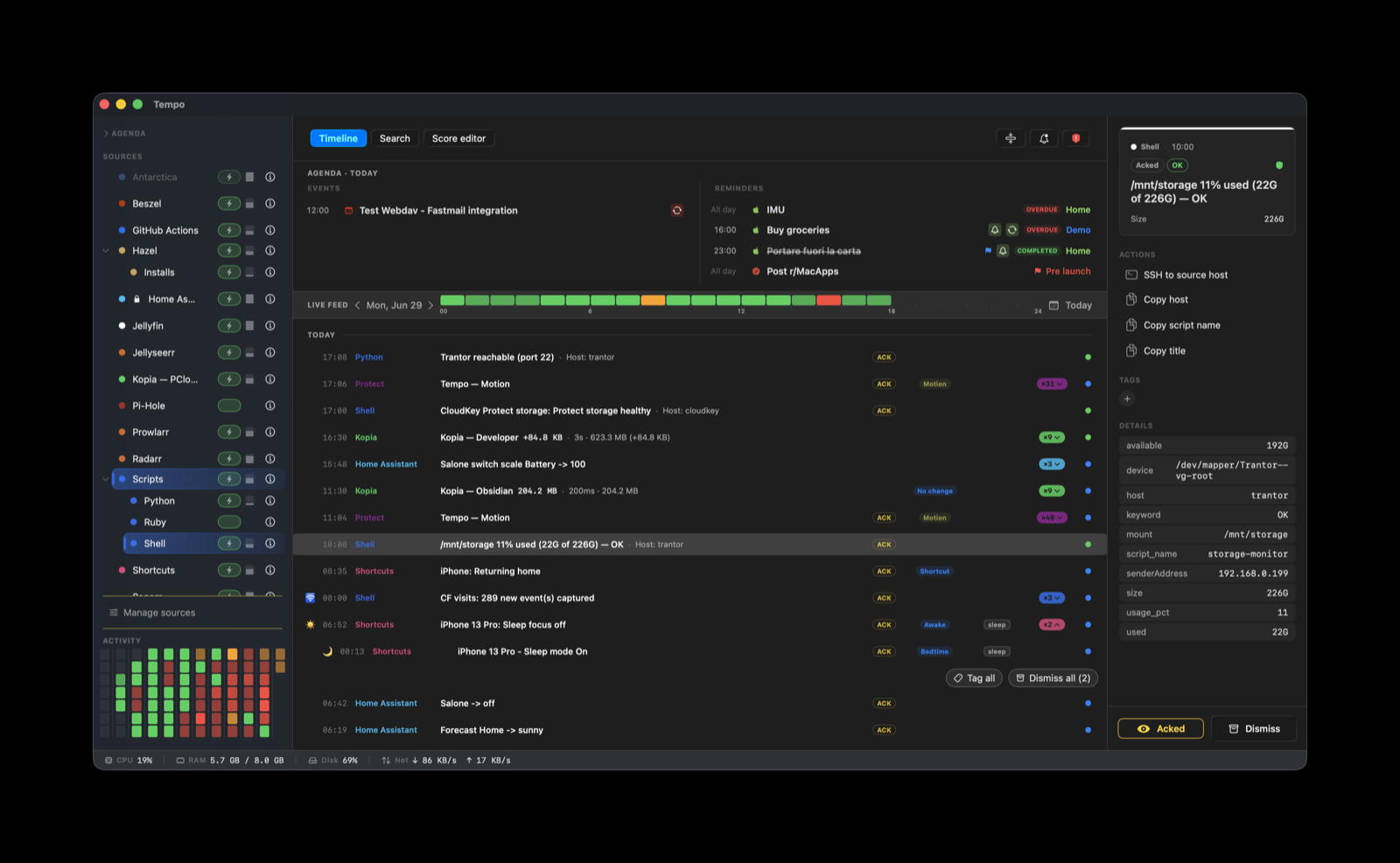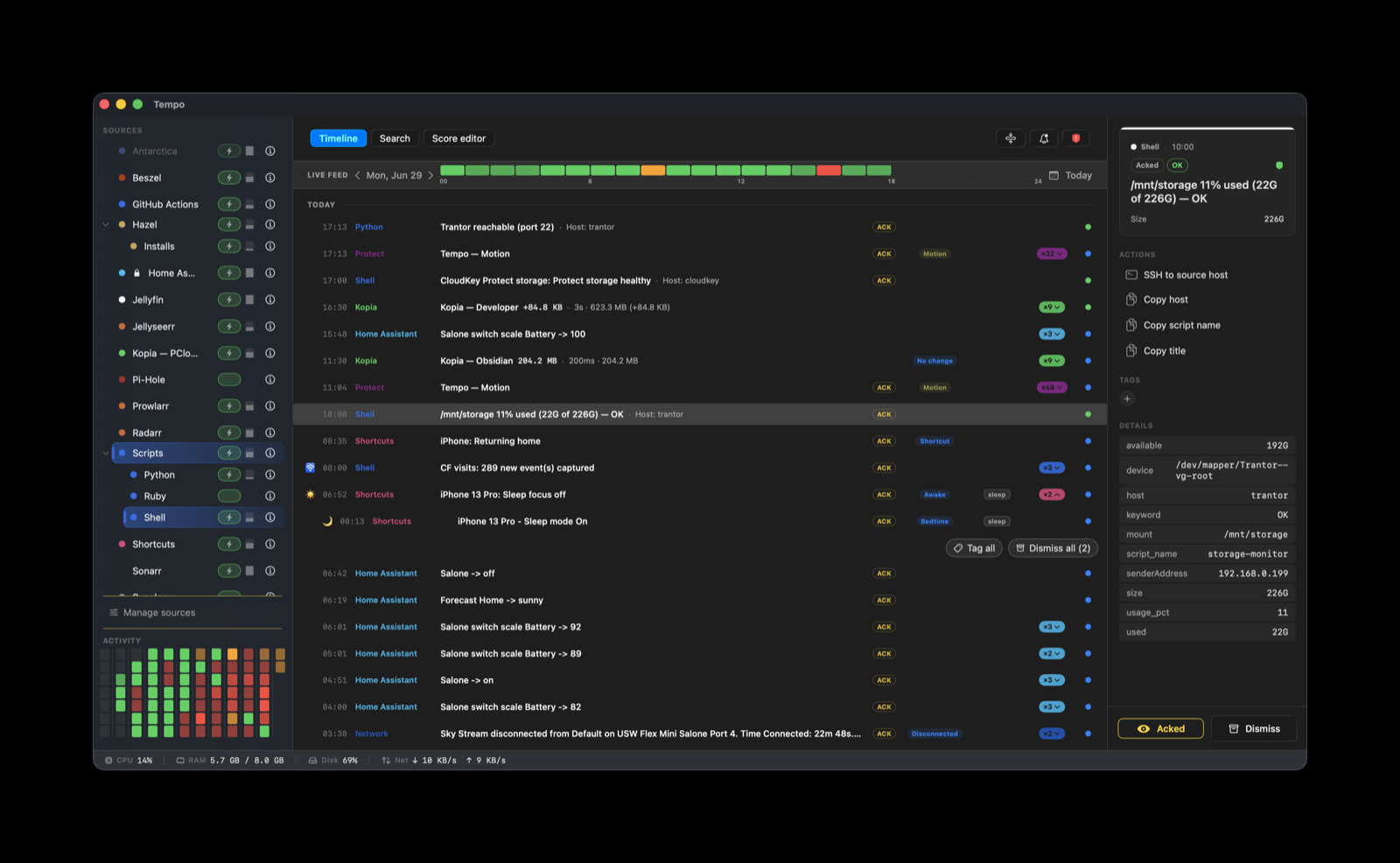
The timeline

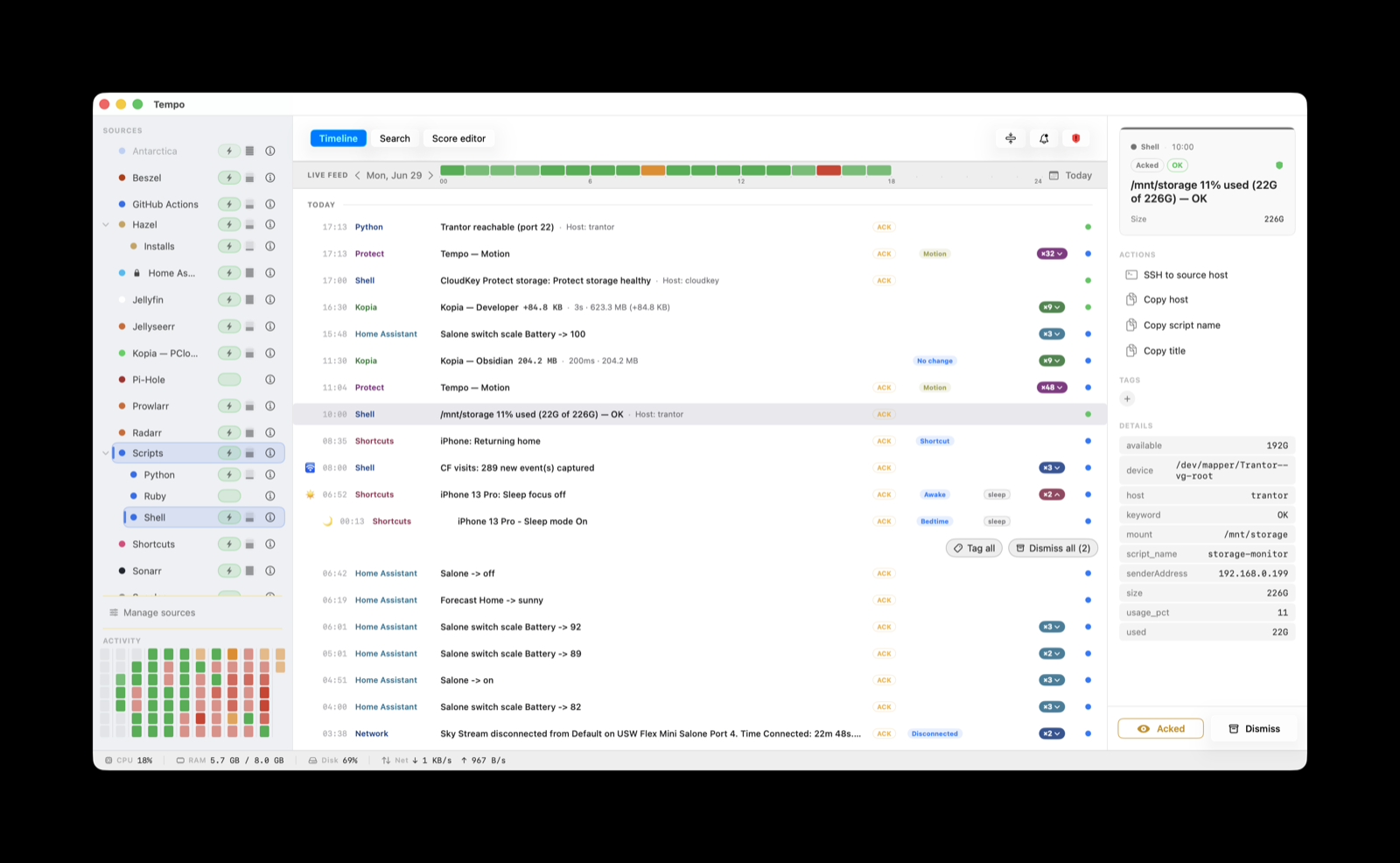
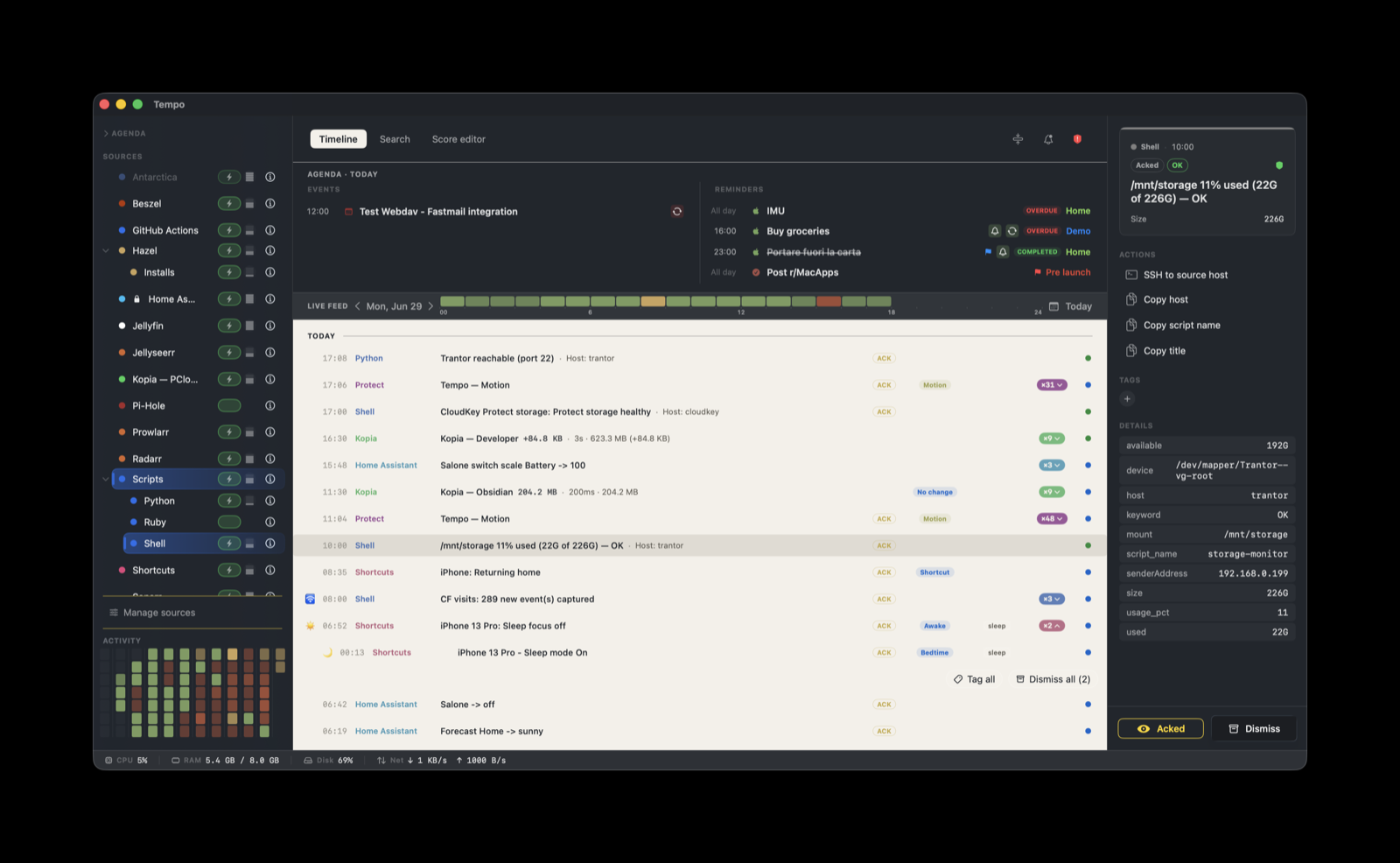
The timeline

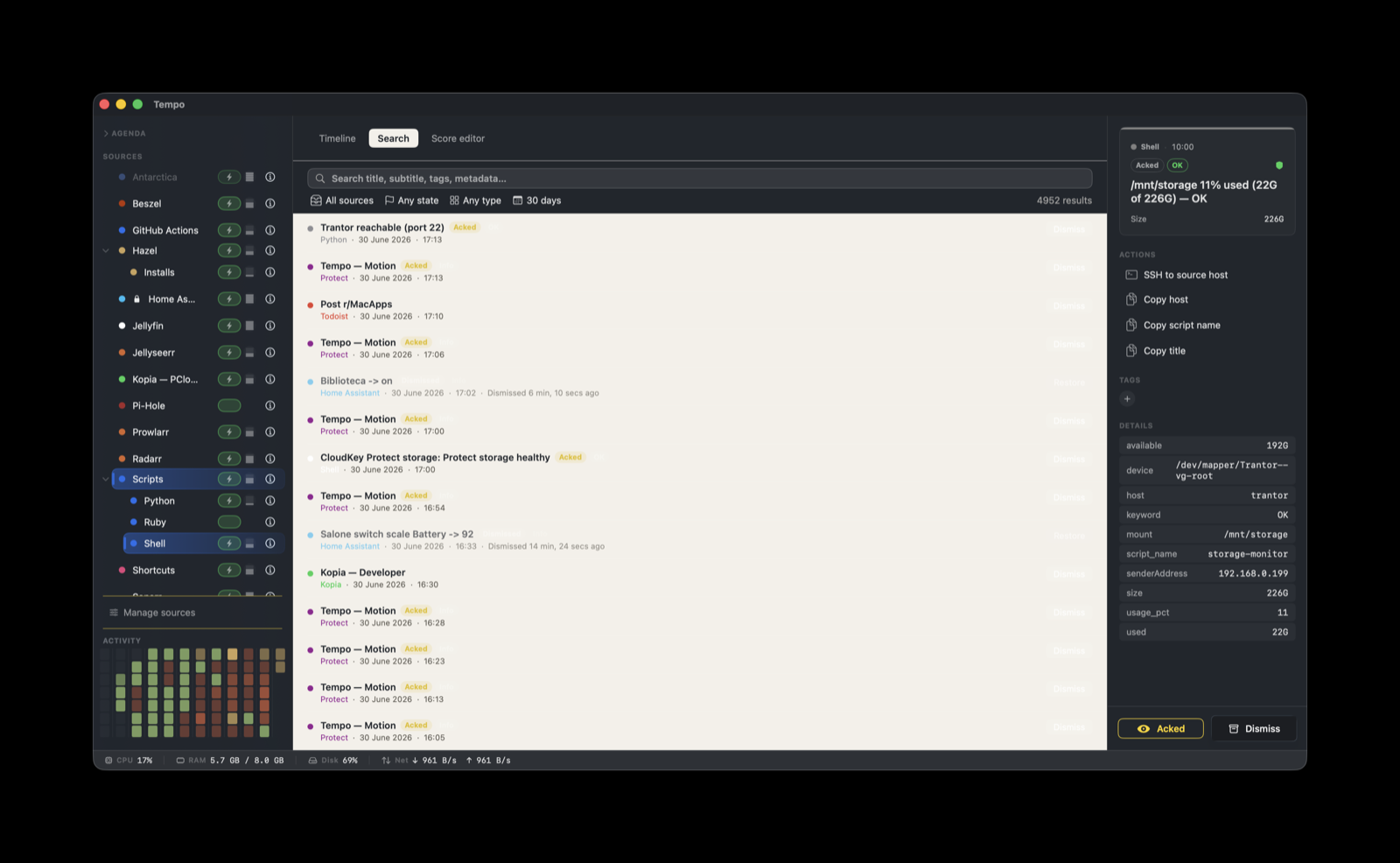
Every signal, on one chronological feed. Calendar entries, webhook alerts, monitoring events, your own scripts — all in the order they happened.

Actions in context

Actions in context

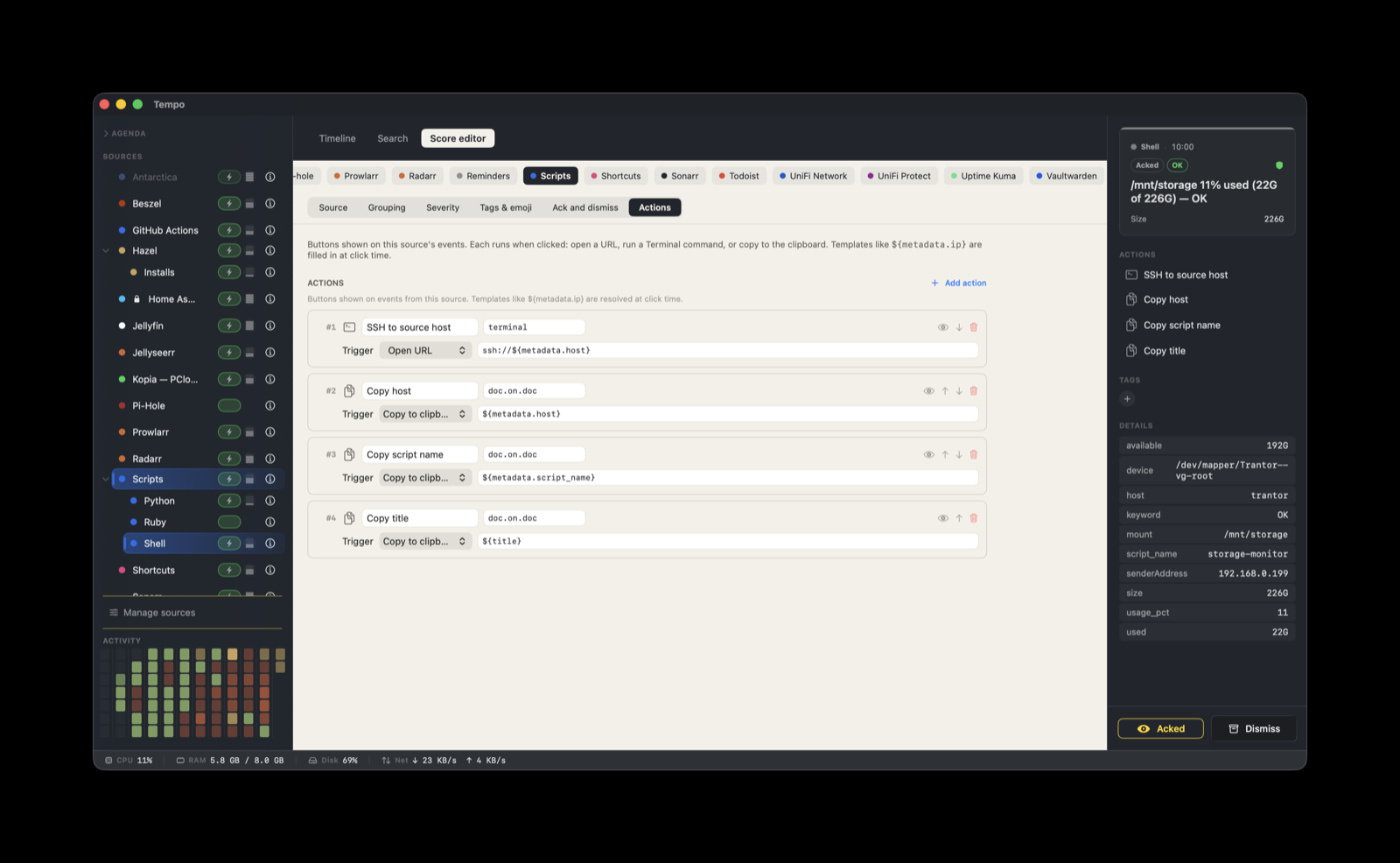
Each event carries its next move. Open a URL, run a command, copy a value, launch a dashboard — even jump into Todoist, Obsidian, or DEVONthink. One click from the row, no app-switching.

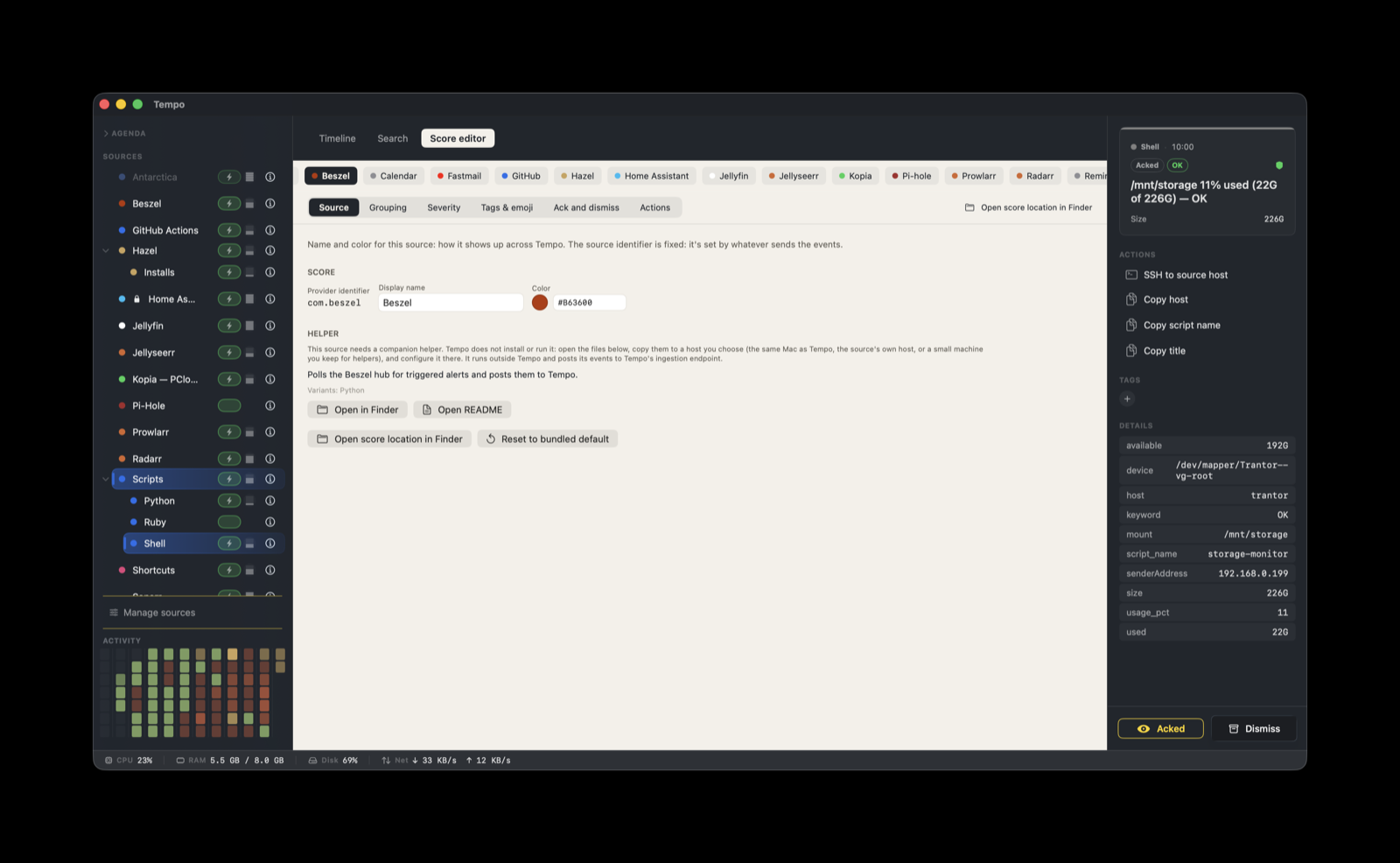
Score Editor — Home Assistant

Score Editor — Home Assistant

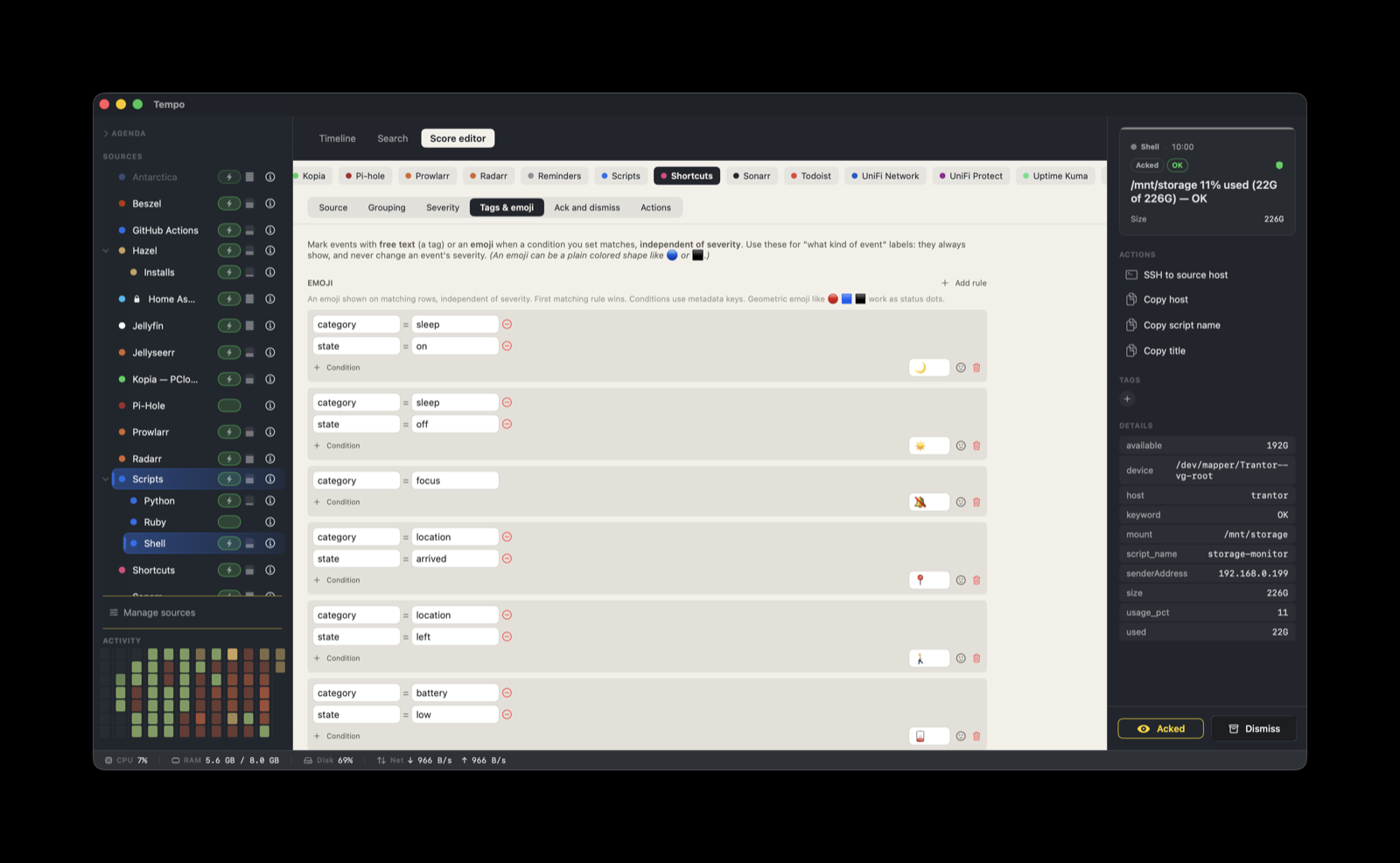
Teach Tempo how to read a new source. Severity rules, color, grouping, custom labels — all declarative, no code.

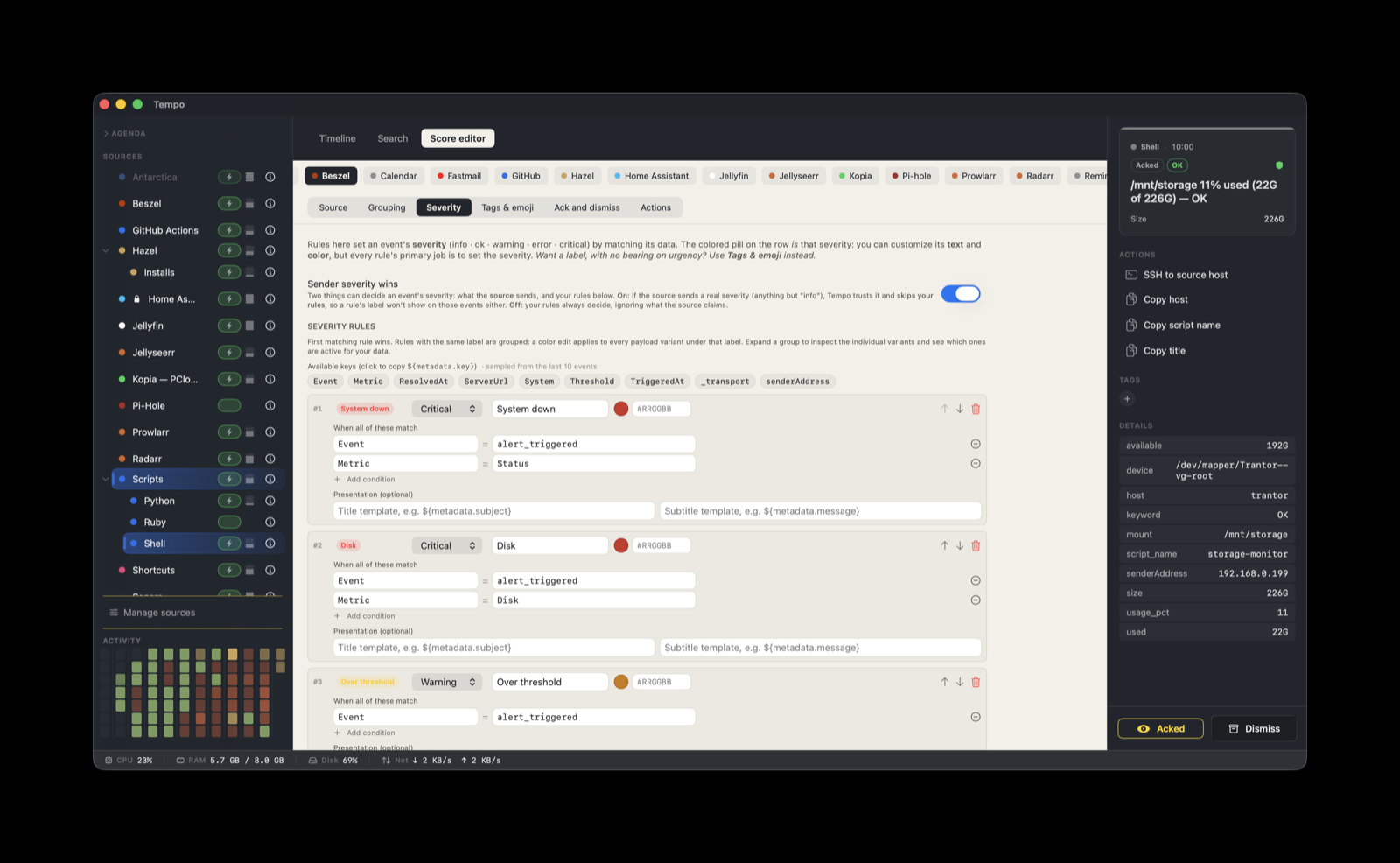
Score Editor — UniFi

Score Editor — UniFi

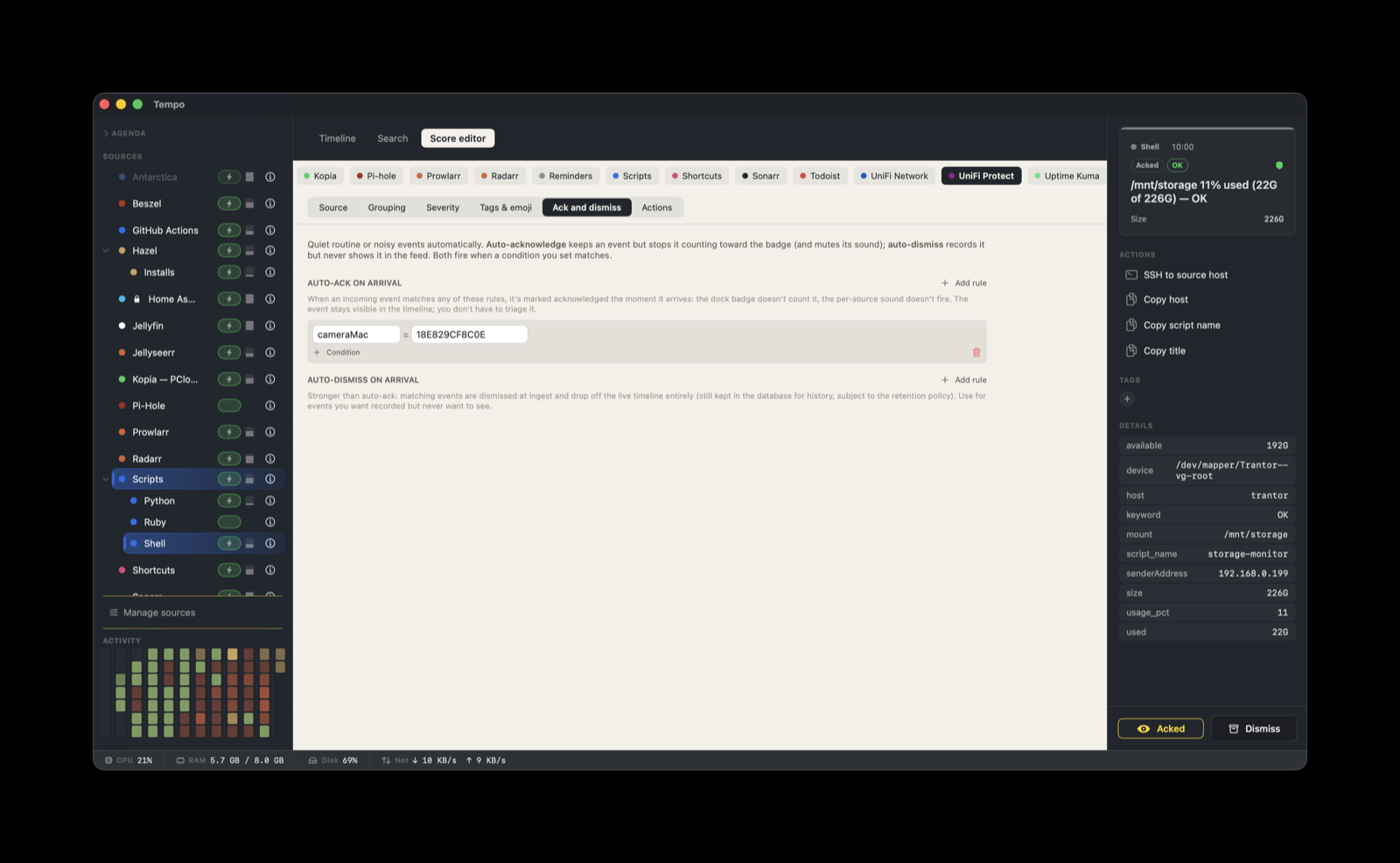
Dense rule sets handle the long tail of alarm classes. The editor scales to every flavor of source you throw at it.

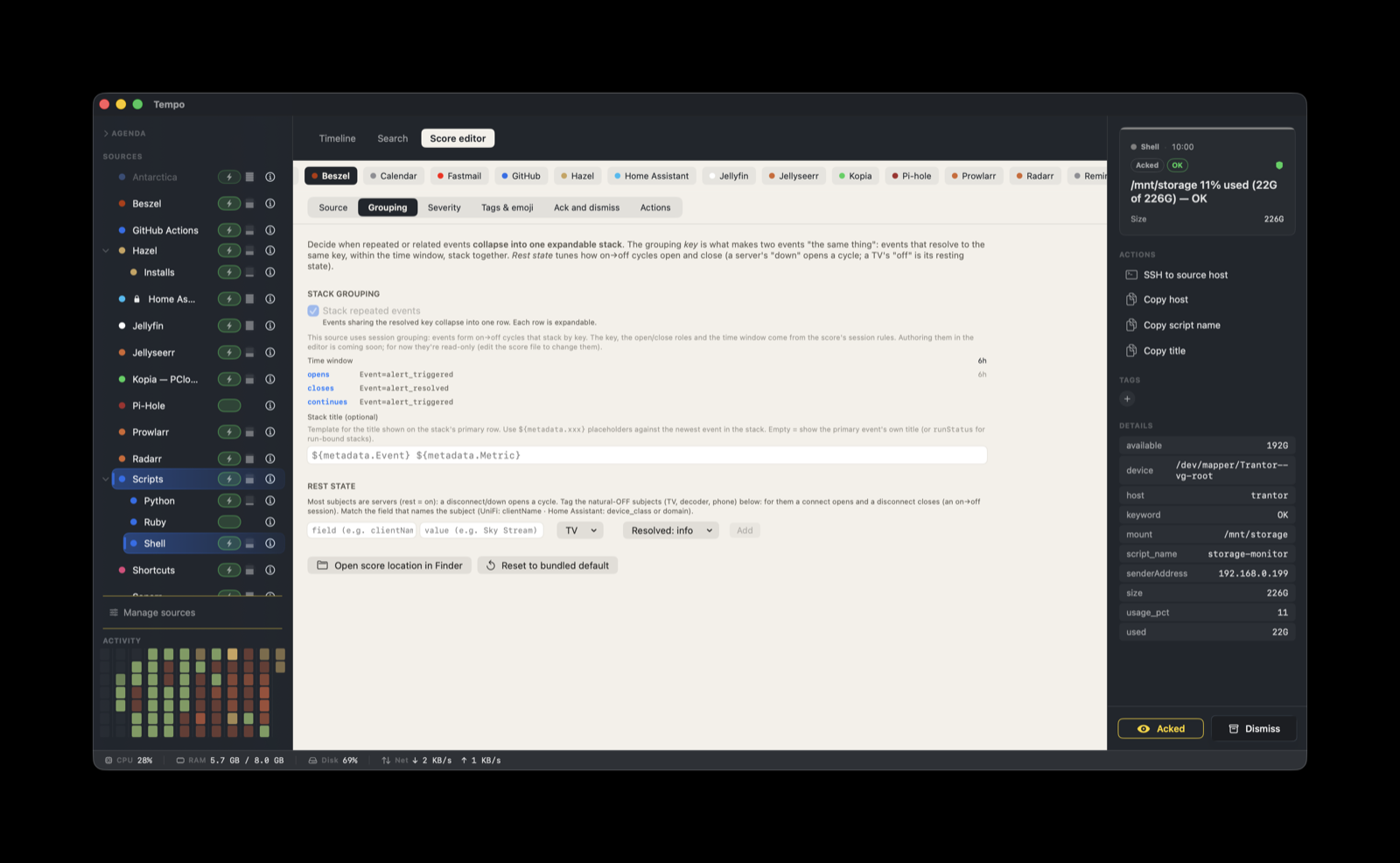
Score Editor — Synology

Score Editor — Synology

Same surface, simpler source. Each score is shaped to what its tool emits — no one-size-fits-all template.

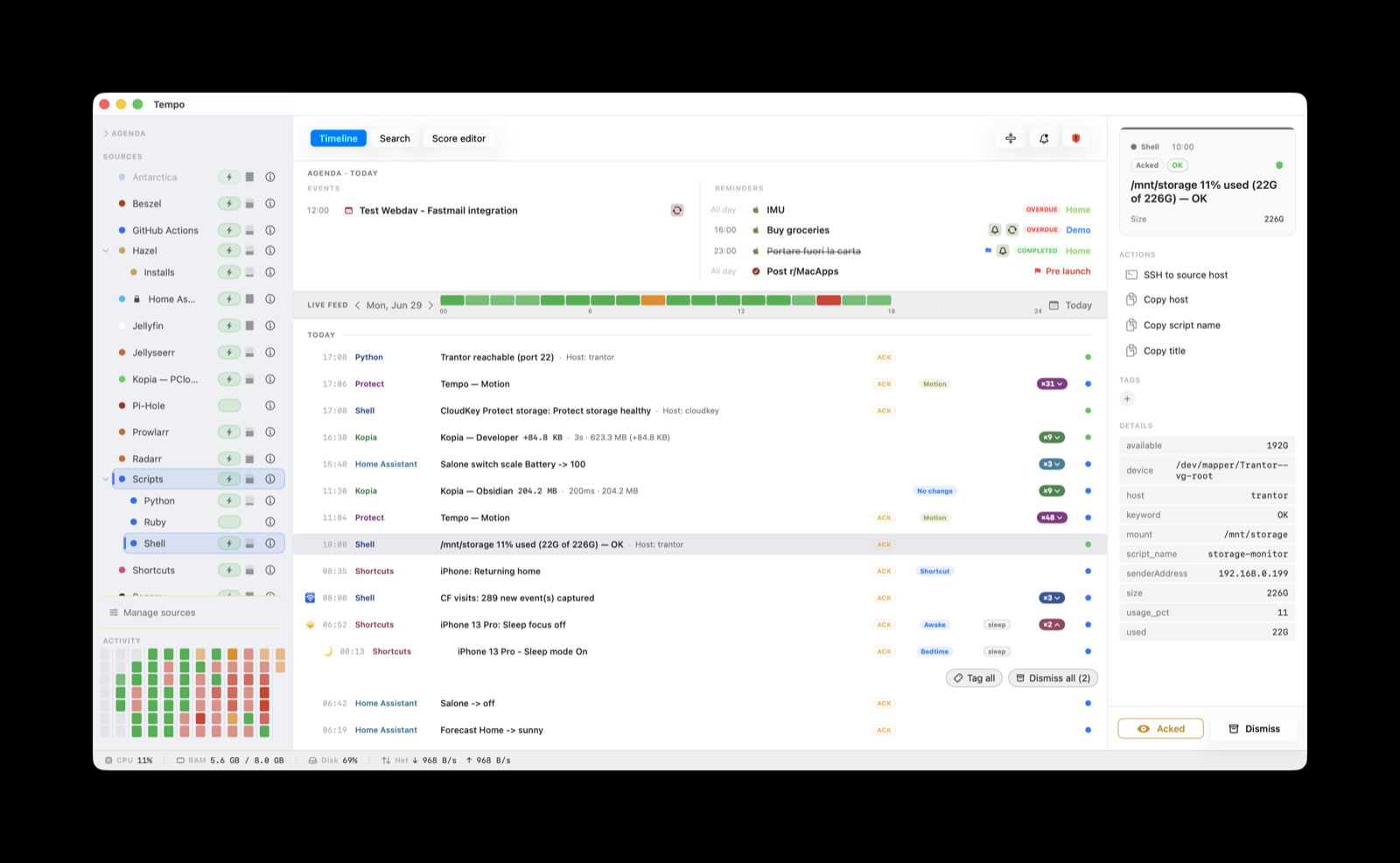
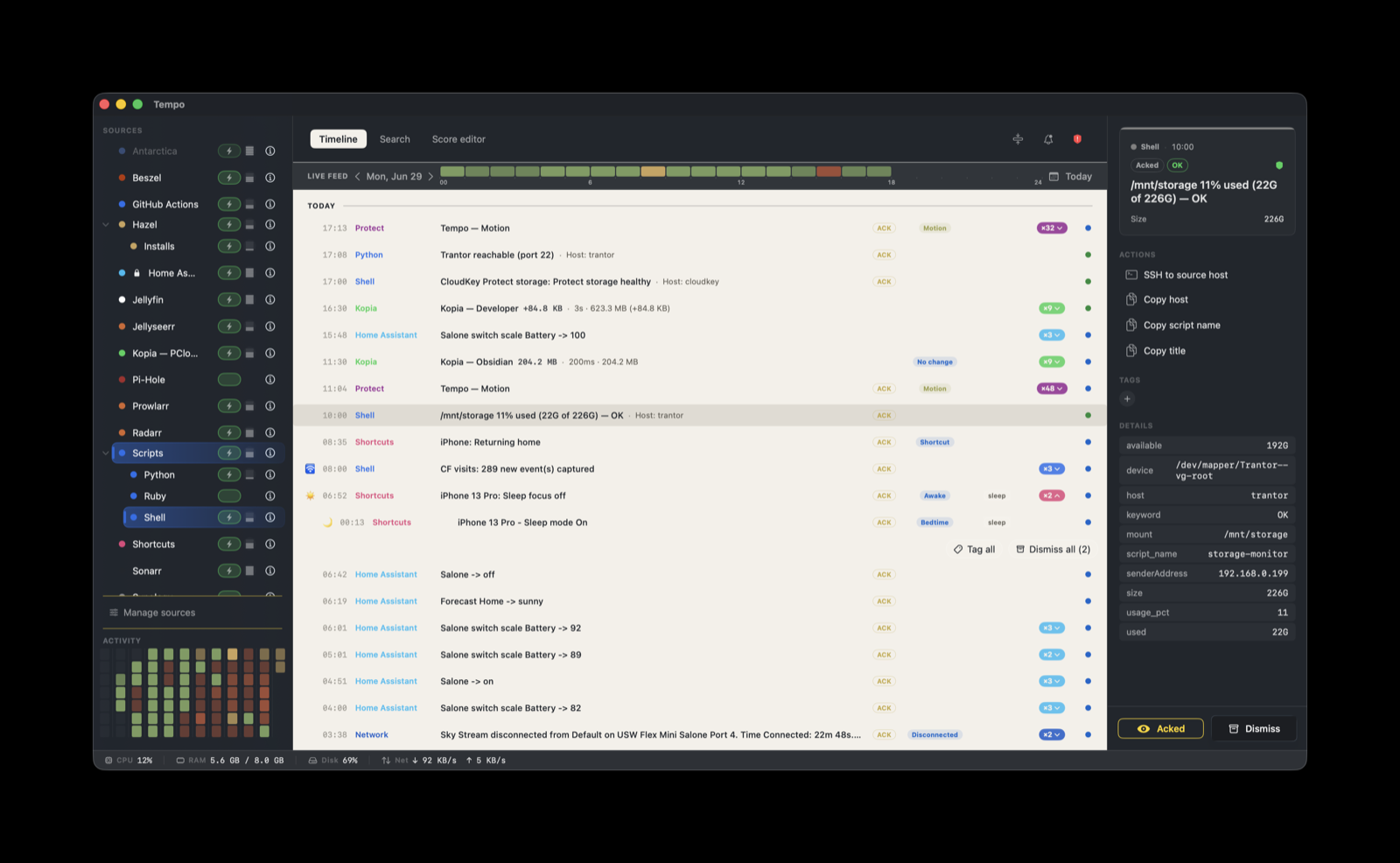
Light theme

Light theme

Same Tempo, lighter palette. Match your workspace — dark for the homelab cave, light for the home office.

All the visualization choices are customizable in the Score Editor. Every action can be customized (or you can add more) by editing the score's JSON file (for the moment...)

Patterns over time

Two heatmaps, two time scales

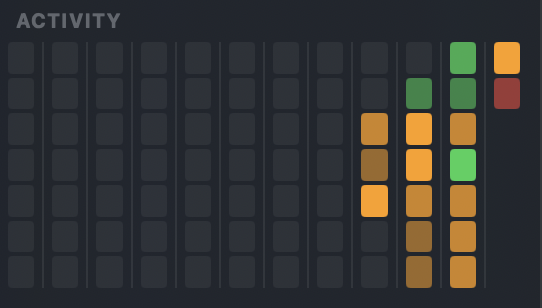
Tempo has two distinct heatmaps. Both surface insights on the activity Tempo ingests at a glance, each with a different time scale.

Historical heatmap

Historical heatmap

Sits at the bottom of the source panel. Shows an 84-day window — useful for spotting patterns and busy days at a glance.

Daily heatmap

Daily heatmap

Doubles as a day picker and divider. Shows the highest-severity event for each hour of the day, so nothing critical gets buried when the feed runs long.

Make it yours

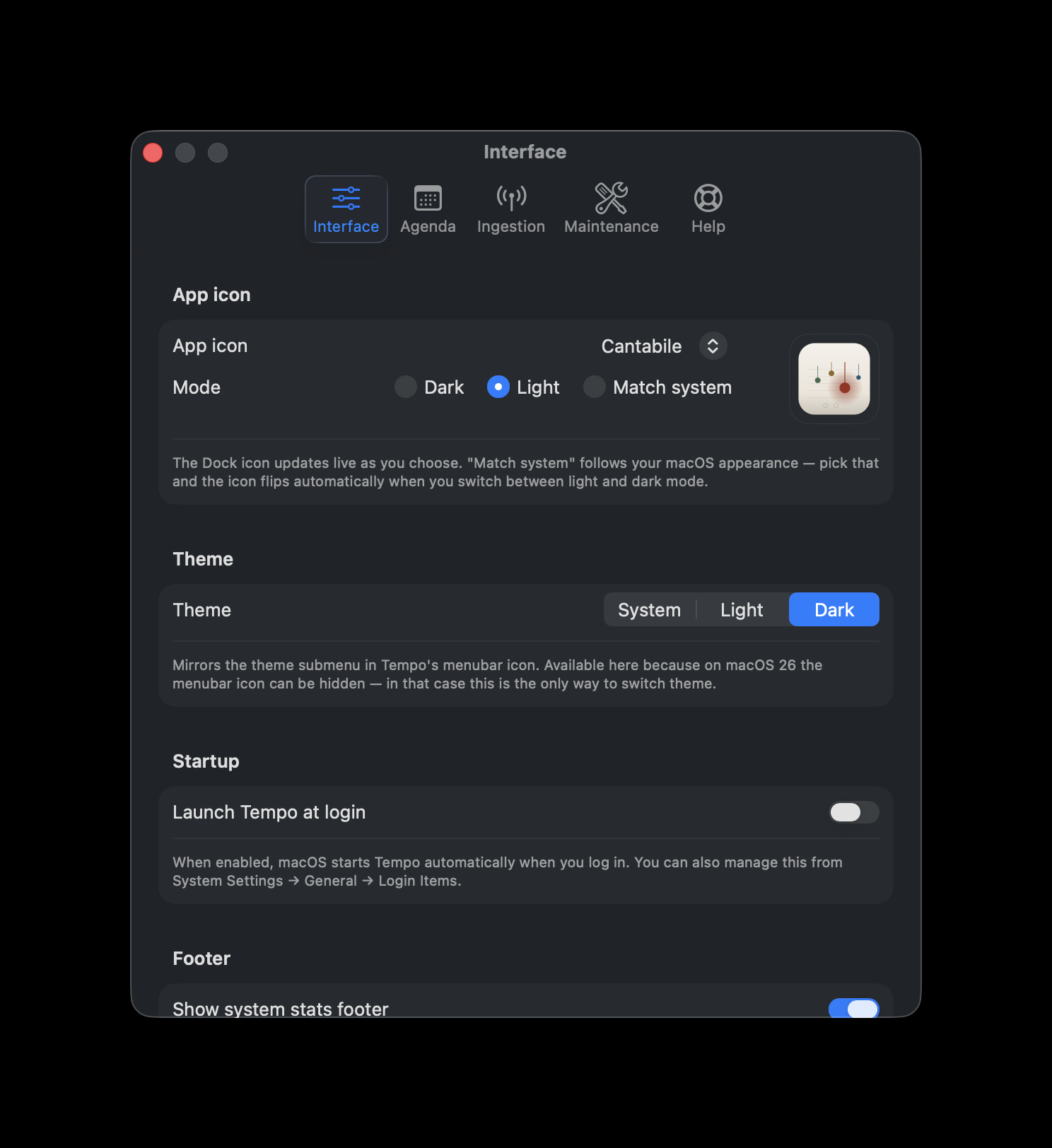
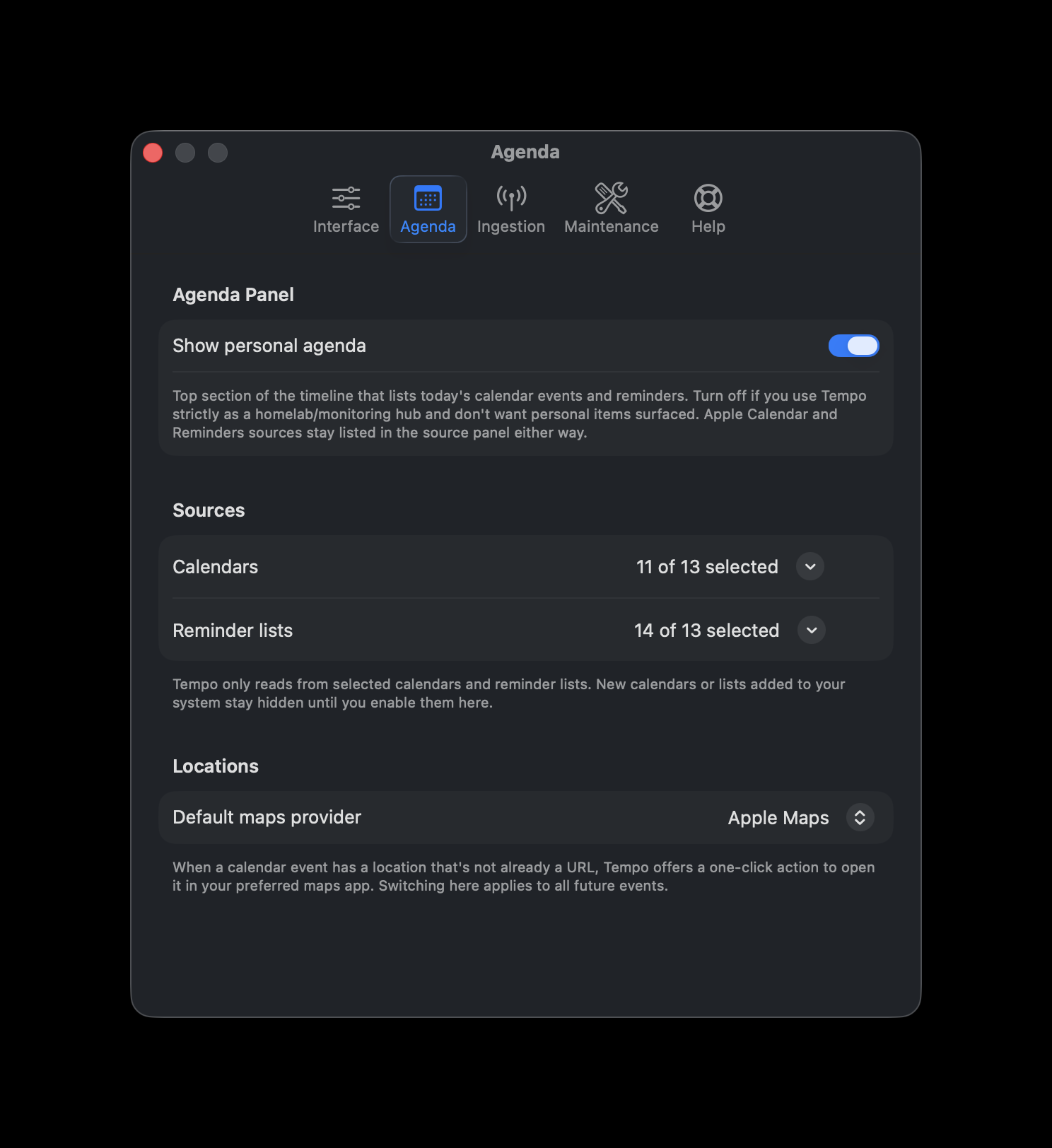
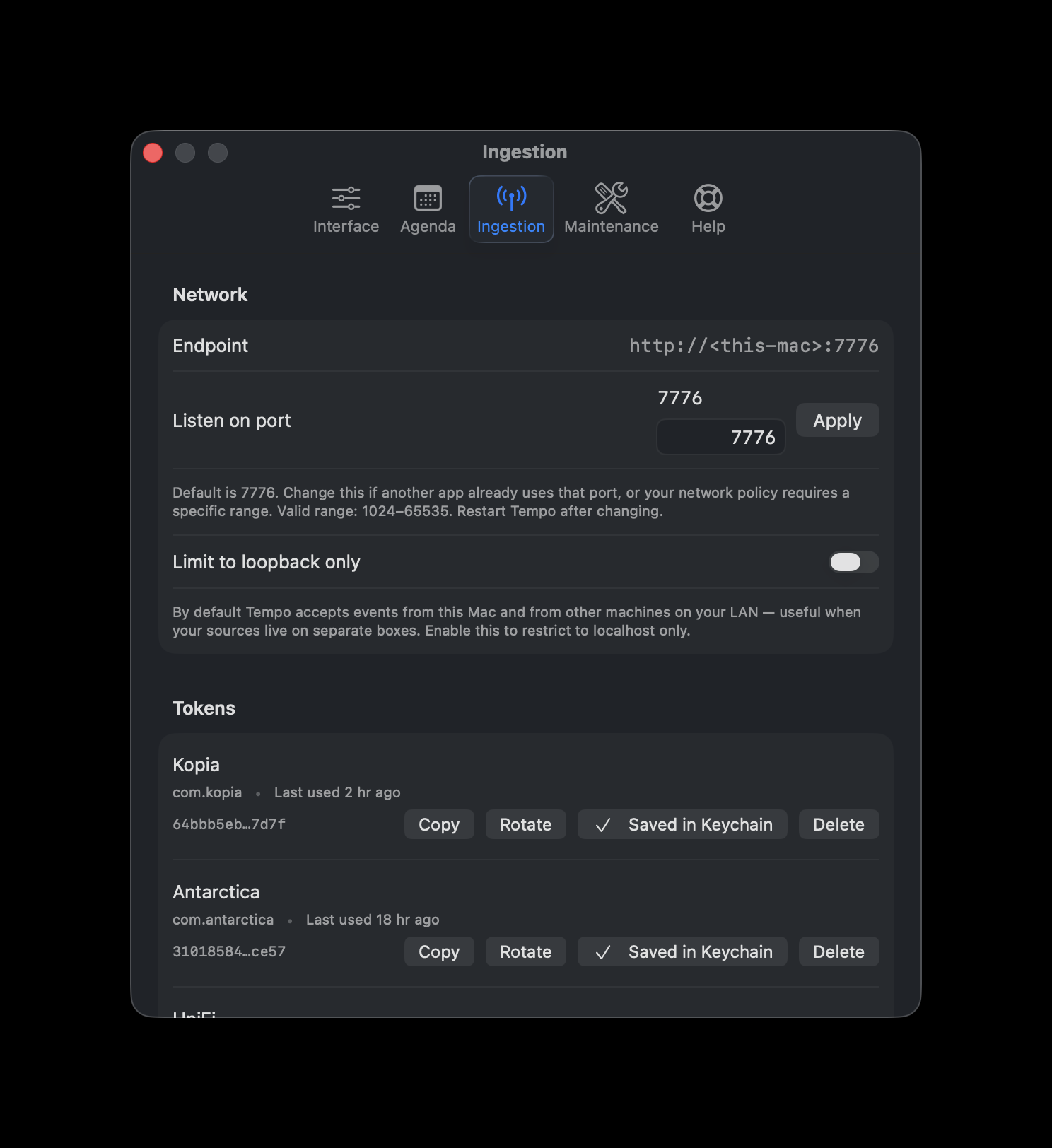
A look at some of the settings

A look at some of the settings... Tempo's meant to be a made-to-measure tool, this is a taste of the knobs.

Interface

Interface

Theme, app icon, agenda visibility, system status footer — the surface-level knobs you tune first.

Agenda

Agenda

What flows in from Apple Calendar and Reminders — which calendars, which list, how far ahead.

Ingestion

Ingestion

Tokens, ports, the LAN binding. Everything a sender needs to reach Tempo over HTTP.

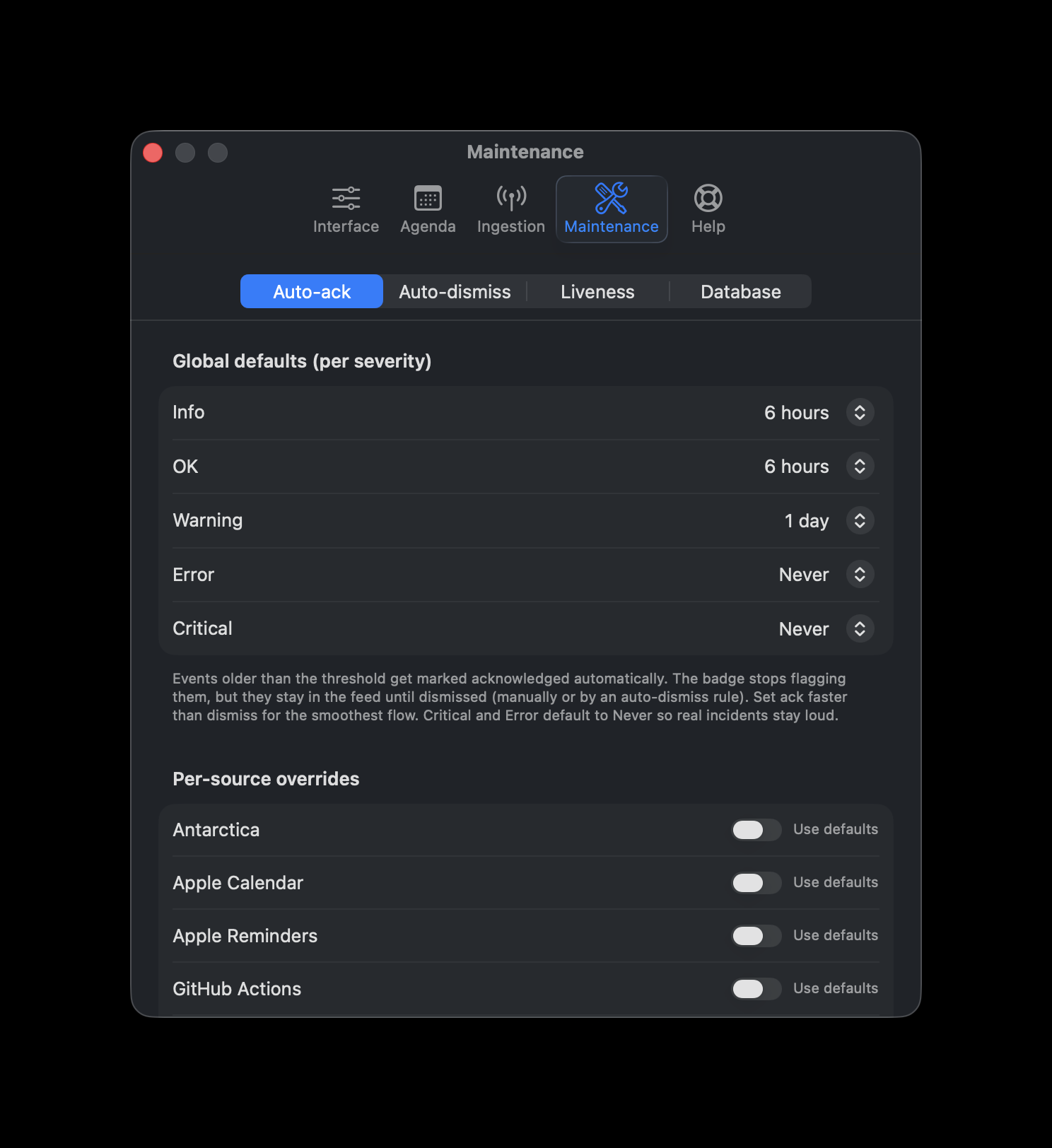
Maintenance

Maintenance

Auto-dismiss per source, cleanup windows, backup schedule, database retention.

Tempo adapts to your needs. Below are a few examples by environment... they're just examples. Tempo can show everything, or just what you need at the moment.

For homelab

Webhooks, monitoring, infrastructure

Tempo aggregates the signals your digital life already throws off: Uptime Kuma, UniFi, your backup system, Pi-hole, Proxmox, your house via Home Assistant, GitHub, your own scripts. Everything lands on one Mac-native timeline, with the next move one click from the row — and you can customize the buttons too. No new dashboards, no logging in to check status. Apple Calendar and Reminders flow in alongside, ready to show your day at a glance.

Uptime Kuma — host recovered

Uptime Kuma — host recovered

Kuma POSTs the recovery as soon as the monitor goes back up, Tempo flags it green. Action panel offers Open in Kuma to inspect the dashboard, ping the host, and copy the monitor URL.

UniFi — device flapping, stacked

UniFi — device flapping, stacked

When a device disconnects and reconnects repeatedly, Tempo collapses the noise into a single stack on the timeline — count visible at a glance, full sequence one click away. Same row stays under the UniFi parent in the source panel.

Kopia — backup complete

Kopia — backup complete

Snapshot finished, size and duration in the row. Action to open the repository in Finder or copy the snapshot ID for scripting.

Home Assistant — automation finished

Home Assistant — automation finished

HA fires a webhook when a scene runs. Tempo records it next to today's other events; action button triggers the inverse scene if you change your mind.

For home office

Meetings, errands, the desk you actually sit at

Work-from-home has its own rhythm — meetings that need focus, a printer-scanner you wish would tell you when it's done, deliveries that interrupt the day, small purchases you've been waiting on. Many of the tools involved don't speak webhooks natively, so Tempo gets them through small bridges — Hazel rules, Mail rules, Apple Shortcuts. The same timeline, just wired to a different stack.

Meeting starting — URLs auto-extracted

Meeting starting — URLs auto-extracted

Calendar event with URLs in the notes — Tempo extracts them automatically as action buttons. One click jumps to the Todoist task, the Obsidian note, the DEVONthink doc, or the meeting link in the browser. Zero configuration: the publisher of the feed put the links there, Tempo just surfaces them.

Scan from the multifunction printer

Scan from the multifunction printer

Hazel watches the scanner folder. New PDF lands, Hazel POSTs to Tempo with the filename. Actions: open in Preview, move to the tax folder, email to the bookkeeper.

Delivery — out for arrival

Delivery — out for arrival

Carrier email arrives. A Mail rule + Hazel script extracts the tracking number and POSTs to Tempo. Action panel opens the carrier's tracking page directly so you can see the status without digging through email, plus copy the tracking number.

Keepa — price drop on a watched product

Keepa — price drop on a watched product

Keepa sends its free email alert when a wishlist item drops below your threshold. A Mail rule forwards it to Tempo via Hazel. Action panel opens the Amazon page so you can pull the trigger or pass.

More coming

For knowledge workers, for multimedia creators

Notes, drafts, editorial deadlines on one side; OBS scene changes, Frame.io reviews, render queues on the other. We'll add both environments here in the weeks after launch. If your stack doesn't fit any of these labels, that's fine too — point it at Tempo and it'll find a row.

What's next

...and much more to come.